
Holding a Winbox agent account will take more advantages and benefits. Agents will get rebate according to the “Return Commission List” from all the players who registered under his line. The system will automatically transfer the rewards to Winbox agents punctually every day.
Chat to our crew to get yourself started.


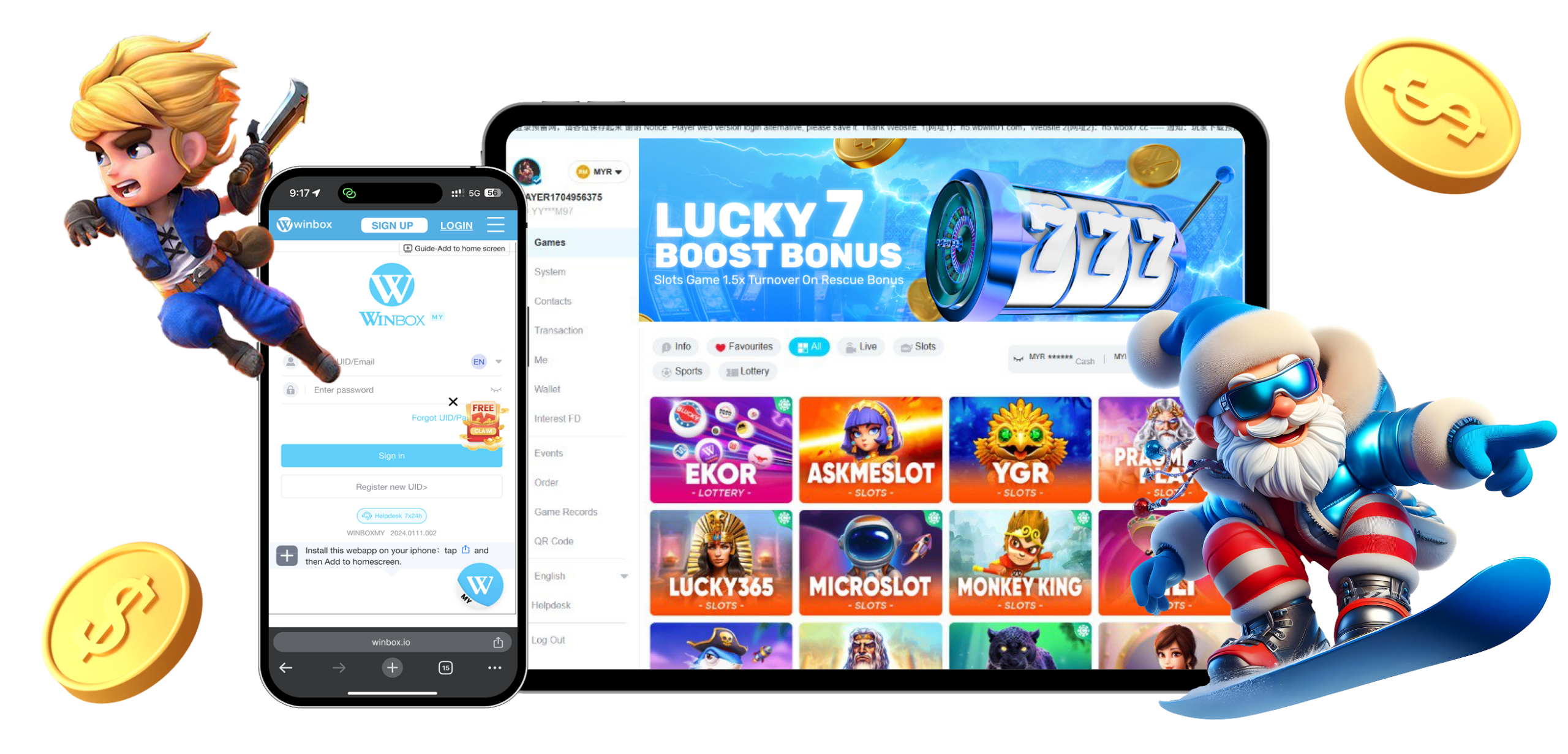
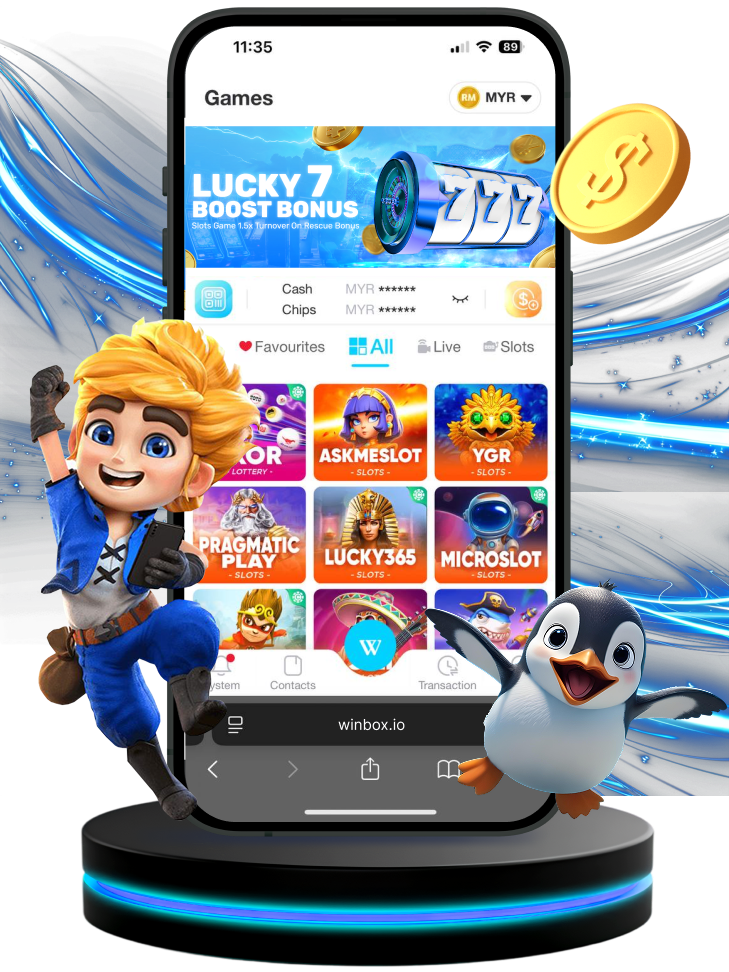
Instruction

Winbox Android APK Dowload Guide
Click on the Android download above, or go to www.winbox.io/download to download.
Select ‘Download Android’ >> click ‘OK’ >> downloaded and select ‘Open’.
Click ‘Install’ app >> You can log in to the APP.

Winbox iOS App Download Guide
Click ‘share’ button.
Click ‘Add to Home Screen’.
Click ‘Add’.
Added Successfully. > Enter App, Log in to your account.
Winbox88 Download Malaysia 2026
Download the latest Winbox88 mobile access for Android, iOS or supported web use. Android users can install the APK, while iPhone users can follow the current iOS setup shown on this page.
Android users can install the latest available Winbox88 APK, while iPhone users can follow the current iOS access method. Players who prefer not to install an app can also use the web-based option where available.
Winbox88 Apk Information & Compatibility
| Detail | Current Specification |
|---|---|
| Version | 2026.0302.007 |
| File Size | ~36 MB |
| Category | E-wallet & Gaming |
| Android Requirement | Android 6.0+ |
| iOS Requirement | iOS 11.0+ |
| Supported Devices | Android phones, iPhone & iPad |
Android Winbox88 APK Download
1. Download The APK
Tap the Android Download button and allow the file to finish downloading to your device. The APK will normally appear in your browser downloads or the Downloads folder on your phone.2. Open The Installation File
Tap the downloaded APK to begin installation. Android may ask for permission before allowing an app from your browser or file manager to be installed.3. Allow Installation When Requested
If your phone blocks the installation, open the permission shown by Android and allow installation for the app that downloaded the file. The wording can vary slightly depending on your Android version and phone brand.4. Install Winbox88
Return to the APK file and tap Install. Wait until the installation is complete before opening the application.5. Open Your Account
Once installed, launch Winbox88 from your phone. Existing members can continue through Winbox88 Login using their current account details.Winbox88 Download For iPhone & iPad
Open The iOS Download
Use Safari on your iPhone or iPad and select the current iOS download button. Depending on the current setup, the page may guide you through a web-app, home-screen or supported profile installation method.Follow The On-Screen Instructions
Complete the steps shown by iOS and return to the home screen when the Winbox88 icon becomes available. If an additional device setting is required, follow the instructions attached to the current iOS access method rather than an older screenshot or guide.Sign In With Your Existing Account
The iOS version uses the same Winbox88 membership. There is no need to create another account simply because you are changing from Android, desktop or mobile web access.What Is Winbox88 H5?
Winbox88 H5 is a browser-based option for users who want mobile access without installing an APK.
Open the H5 page through a supported browser and sign in with the same account information used on the main platform.
H5 can also be useful when you are temporarily using another device or when the installed application is being updated. Current Winbox platforms commonly provide H5 alongside Android and iOS access.
Which Winbox88 Download Option Should You Use?
The right access method mainly depends on your device.
| Access Method | Suitable For | Installation |
|---|---|---|
| Android APK | Android phones & tablets | Required |
| iOS Access | iPhone & iPad | Depends on current method |
| H5 Web | Mobile browser users | Not required |
| Desktop Web | PC & laptop users | Not required |
Android APK gives users an installed mobile application, while H5 keeps everything inside the browser. For iPhone users, follow the current iOS method shown on this page because mobile access can change as the platform is updated.
What Can You Access Through The Winbox88 App?
Casino & Slot Games
Members can browse supported slots, live casino, sports, fishing and other available game categories after signing in. Players who want to explore the wider selection can visit the Winbox88 games section.Account Access
The app gives mobile users a direct way to return to their existing membership. Your account information stays connected to the same Winbox88 profile rather than creating a separate mobile account.Promotions
Current member promotions can also be viewed through the available account interface. Campaign details can change, so use the information currently displayed with the offer.Customer Support
Account and app problems can be handled through the available support channels when basic troubleshooting does not solve the issue.Do You Need An Account Before Downloading Winbox88?
No. Downloading the application and creating a Winbox88 account are separate steps.
You can install the app first and complete Winbox88 Sign Up when you are ready to create your account.
After registration, the same details can be used for mobile and web account access.
How Do You Update Winbox88 To The Latest Version?
Check The Current Version
Compare the version shown on the download page with the app currently installed on your device.Download The New File
Android users can download the current APK again and follow the normal installation process. Depending on the build, Android may update the existing application without requiring another account setup.Open The Updated App
Once installation is complete, launch Winbox88 and use your existing account details. Your membership does not need to be recreated simply because the application has been updated.Why Is My Winbox88 APK Not Installing?
Installation problems are usually connected to the file, available storage or Android settings.
| Problem | Possible Reason | What To Check |
|---|---|---|
| APK will not install | Installation permission blocked | Check Android app permissions |
| Download stops | Connection interrupted | Restart the download |
| File will not open | Incomplete APK | Download the file again |
| Installation fails | Storage is too low | Free device storage |
| App opens to a blank screen | App or connection issue | Restart the app and device |
| Login fails after installation | Account issue | Check your login information |
If the problem continues after checking the basic device settings, use customer service for download or account assistance.
What If Winbox88 Shows A White Screen?
A blank or white screen can happen when the app does not load its content correctly.
Close the application completely and reopen it first. You can also check your connection and confirm that you are using the current app version.
If the web version still opens normally, your account may still be accessible while the app issue is being checked.
Winbox88 APK Download Security
Use The Current Download Page
Start from the Winbox88 website and use the APK option currently provided there. Avoid replacing the file with a modified or unknown version simply because it uses the same Winbox name or logo.Check The File Information
Compare the version and file size with the information displayed on the download page before installation. Unexpected differences are worth checking before opening the file.Keep Your Login Information Private
Downloading or updating an app should not require you to send another person your full password or verification code. Enter account details only through the intended Winbox88 interface.Can You Use Winbox88 Without Downloading The App?
Yes. Users can access the supported web version without installing an Android APK.
Existing members can use their normal account details through browser access, while the mobile app remains available for players who prefer installed access.
This also gives users another way to reach their account when updating or reinstalling the app.
Winbox88 Download For A New Device
Changing phones does not mean you need another Winbox88 membership.
Install or access Winbox88 on the new device and sign in using the account you already created.
If you no longer remember your login information, recover the account first rather than registering another membership with different details.
Frequently Asked Questions
Winbox88 Download provides the current mobile access options for Android, iOS and supported web access. Android users can install the APK while iPhone users follow the current iOS method.
Open the Winbox88 Download page and select the Android APK option. Download the file, open it and follow the Android installation prompts.
Yes. Winbox88 provides supported iOS access for iPhone and iPad users. Follow the current instructions shown on the Download page because the setup can differ from Android.
Winbox88 H5 is a browser-based version that does not require an Android APK installation. Users can access it through a supported mobile browser when available.
Return to the Download page and install the current version provided for your device. Existing users can continue using the same account after the update.
Installation permissions, low storage, an incomplete file or device compatibility can stop an APK from installing. Check these areas first before downloading the file again.
No. You can install the app before registration. New users can create an account afterward through the Winbox88 Sign Up page.
Yes. Supported browser access allows users to open Winbox88 without installing an APK. Existing members can use the same account details when moving between web and app access.